
Buy once, use for good
A permanent device license: buy it with Alipay inside the app, and it activates automatically after payment.
The price shown in the app at purchase time applies.
- Bound to one computer, valid permanently
- Pay with Alipay; the software activates automatically after payment
- After reinstalling, “Restore activation” brings this computer's license back
- Refund requests accepted within 7 days of payment (manual review); the license is revoked on refund
- Available on the activation screen of software v1.0.8 and later
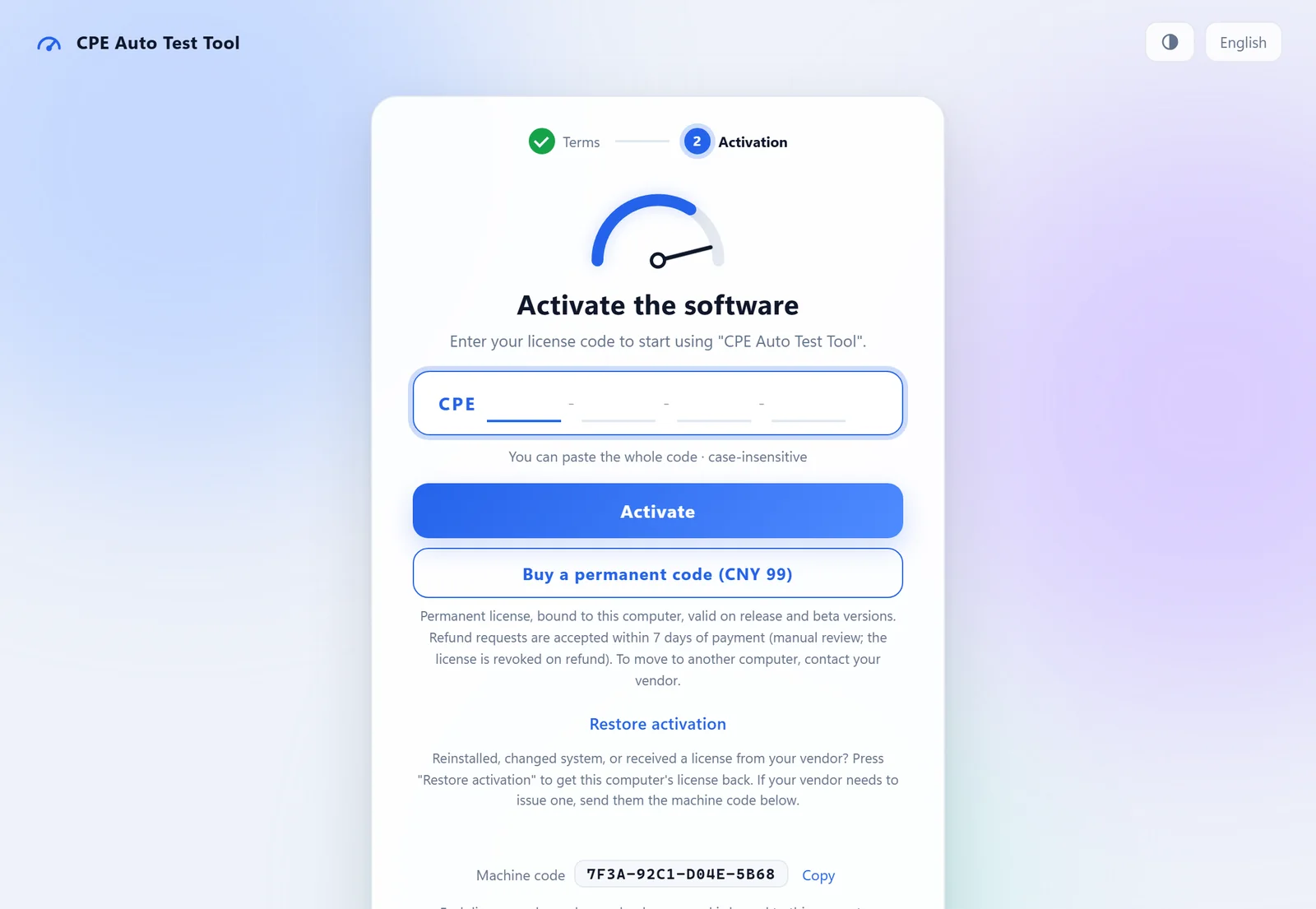
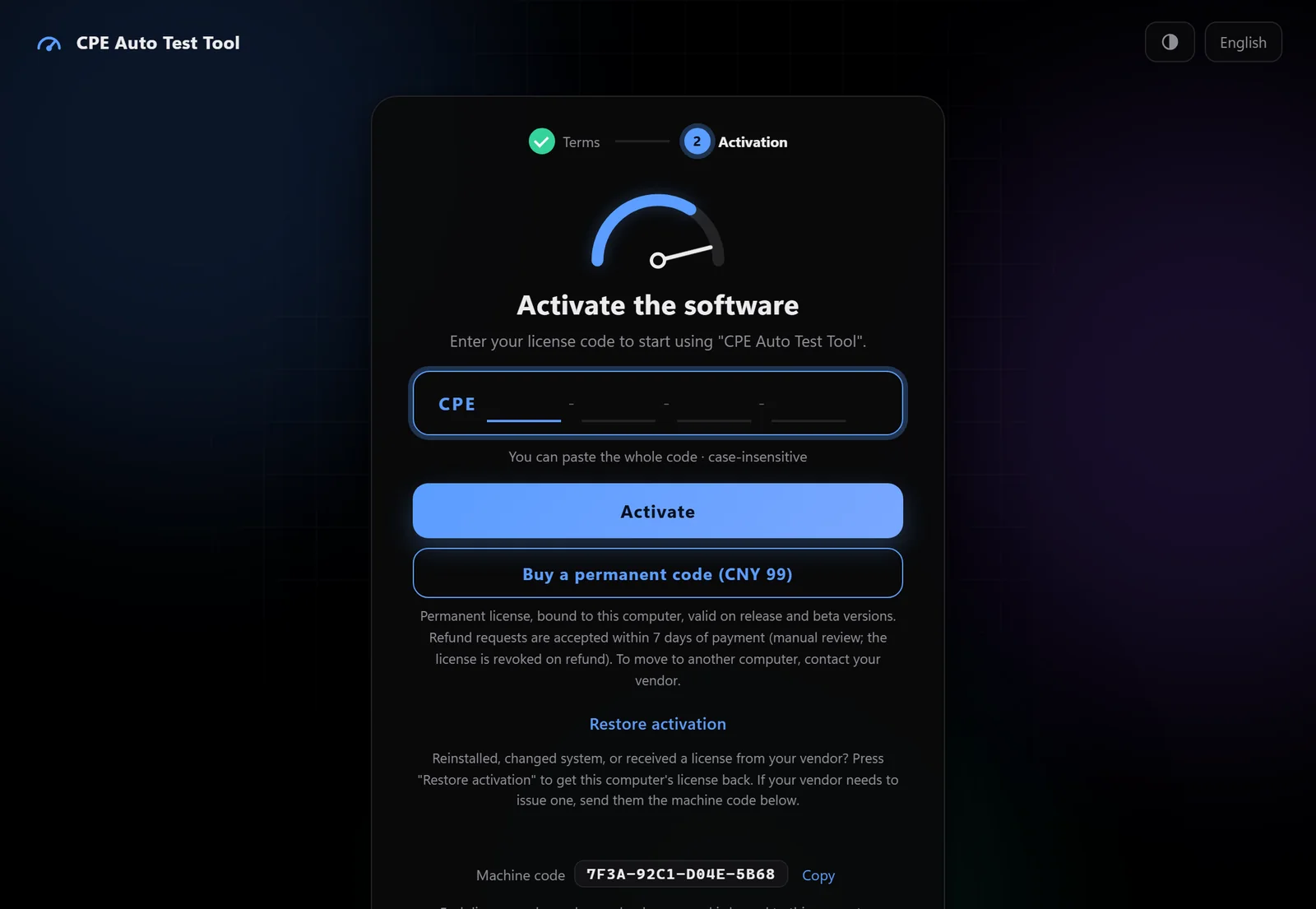
The purchase option inside the app (sample screen)
Four steps, all inside the app
- Open the softwareAccept the terms on first launch to reach the activation screen
- Click “Buy a permanent code”The button shows the price; the scope and refund note sit right below
- Pay in your browserThe Alipay checkout opens; keep the software window open while you pay
- Activated automaticallyAfter payment the software receives the code and activates; the page also shows the code once so you can save it
About buying and licensing
Paid but not activated?
Go back to the software and click “Restore activation” on the activation screen; it recovers the paid license for this computer. If that doesn't work, email us (see Contact below).
Do I have to buy again after reinstalling?
No. Click “Restore activation” on the activation screen to recover this computer's license — no code needed.
Can I move it to another computer?
The license is bound to one computer and cannot be moved by yourself. Contact us when you change computers and we will re-issue it.
Which payment methods are supported?
Alipay (web payment). Payment happens on the Alipay page — neither the software nor this website ever sees your payment account, password or card details.
Trials, bulk or business licenses?
For trials, bulk or business licenses, email us with a short description of your use and quantity.
Refunds within 7 days of payment
Refunds are reviewed manually; once refunded, the permanent license is revoked.
- Email m13873364603@163.com and say when you bought it.
- Include the “machine code” shown on the software's activation screen so we can find your order.
- Approved refunds go back the way you paid; the license is revoked and the software will no longer stay activated.
Questions? Just ask
Licensing, refunds, moving computers, bulk orders or new-device support — email us.